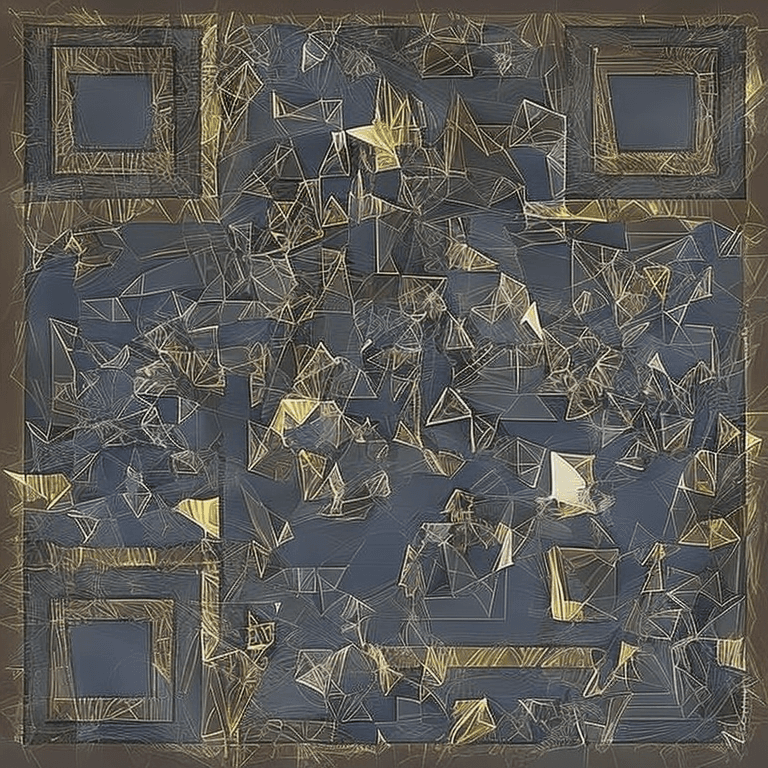
AI QR Code Generator for Business Cards
Make your business card unforgettable with a beautiful AI-styled QR code. Link to your portfolio, LinkedIn, or vCard.

How to Create Your QR Code
- 1Enter your LinkedIn, portfolio, or vCard URL
- 2Select a professional style preset
- 3Generate your unique AI QR code
- 4Download the high-resolution PNG
- 5Add it to your business card design
Frequently Asked Questions
What URL should I use for my business card QR code?
Popular choices include LinkedIn profiles, personal websites, digital business cards (like Linktree), or vCard files.
Will the QR code work when printed small?
Yes, our QR codes use maximum error correction. For business cards, the QR code should be at least 1x1 inch for reliable scanning.
Can I link to multiple profiles at once?
Use a link-in-bio tool like Linktree or Bento to aggregate all your profiles, then use that link in the QR code.
What style looks best on a business card?
Geometric Minimal is the top choice for professionals — clean, elegant, and not too busy. Watercolor Art works well for creative industries.
Can I print on both sides of the card?
Yes! Place the QR code on the back of your card for a clean layout. Just ensure the code is at least 1x1 inch.
Ready to Create Your Business Cards QR Code?
It takes less than 30 seconds. Free, no signup required.
✨ Create Now — FreeOther QR Code Use Cases
QR Code for Restaurant Menus
Create beautiful, scannable AI QR codes for your restaurant menu. Replace boring black-and-white codes with stunning art that matches your restaurant's brand.
QR Code for WiFi Networks
Share your WiFi password beautifully. Create an AI-styled QR code that guests can scan to connect instantly — no typing passwords.
QR Code for Weddings
Add a touch of magic to your wedding with beautiful AI-styled QR codes. Link to your RSVP page, photo gallery, registry, or wedding website.
QR Code for Events
Create stunning QR codes for your events. Link to tickets, schedules, registration forms, or event apps with beautiful AI-styled codes.