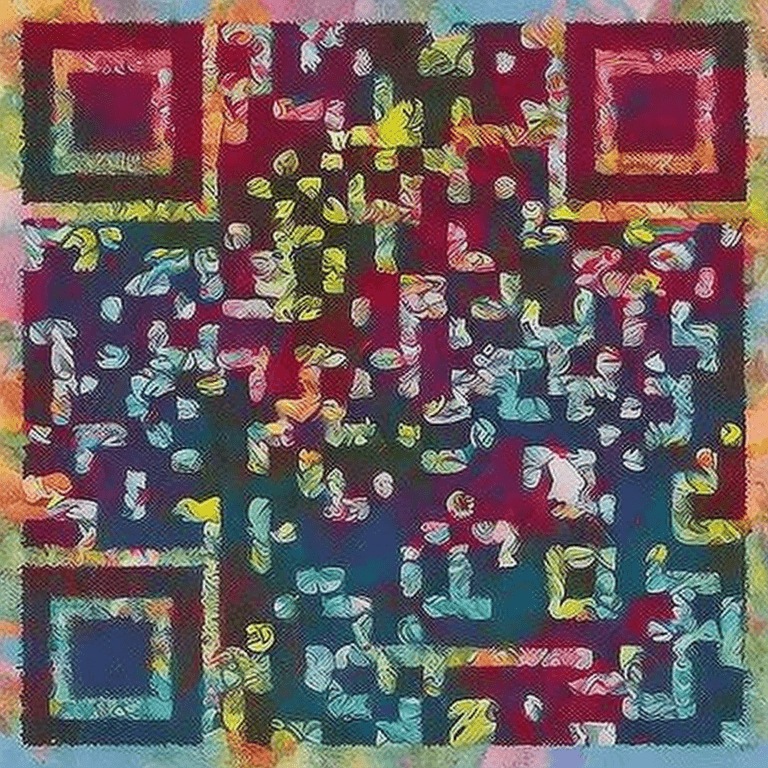
AI QR Code Generator for Restaurant Menus

Create beautiful, scannable AI QR codes for your restaurant menu. Replace boring black-and-white codes with stunning art that matches your restaurant's brand.

AI QR Code example for restaurant-menu

How to Create Your QR Code

  1. 1Enter your online menu URL in the input field
  2. 2Choose a style that matches your restaurant's vibe
  3. 3Click Generate and wait a few seconds
  4. 4Download your AI-styled QR code
  5. 5Print it on table tents, menus, or window displays

Frequently Asked Questions

Will customers be able to scan the AI QR code?

Yes! Our AI QR codes are verified for scannability after generation. We use error correction level H (maximum) and auto-retry if a code isn't scannable.

What size should I print the QR code?

We recommend at least 2x2 inches (5x5 cm) for table tents. For window displays, go larger — 6x6 inches or more for easy scanning from a distance.

Can I use this for a digital menu?

Absolutely! Link to your online menu, PDF, or ordering platform. The QR code works with any URL.

Can I update the menu without changing the QR code?

Yes — as long as you keep the same URL, the QR code will always point to your latest menu. Just update the content at your link.

What styles work best for restaurants?

Watercolor Art is popular for casual dining, Geometric Minimal for fine dining, and Cherry Blossom for Asian restaurants. Choose what matches your brand.

Ready to Create Your Restaurant Menus QR Code?

It takes less than 30 seconds. Free, no signup required.

✨ Create Now — Free

Other QR Code Use Cases