AI QR Code Generator for WiFi Networks

Share your WiFi password beautifully. Create an AI-styled QR code that guests can scan to connect instantly — no typing passwords.

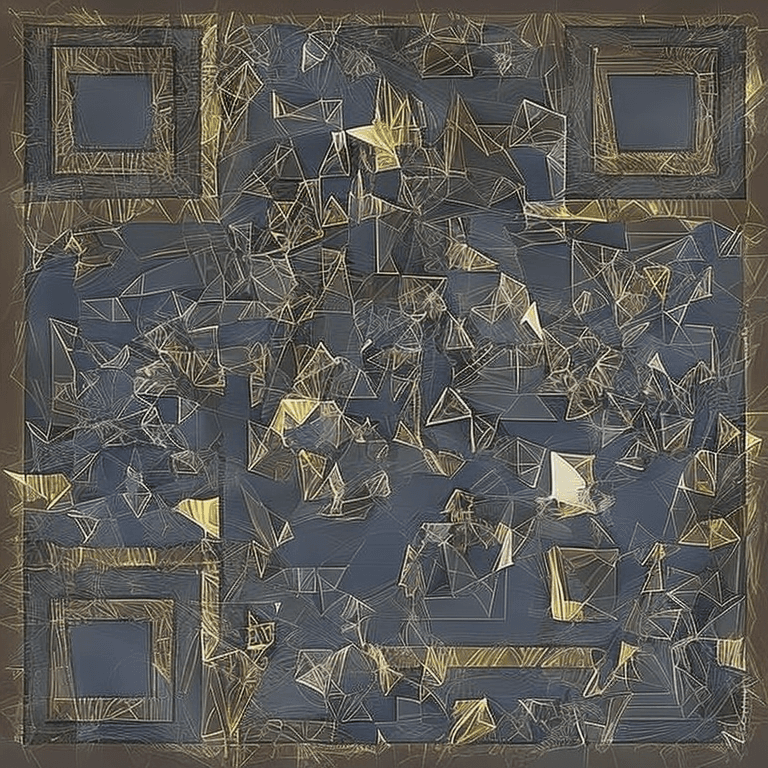
AI QR Code example for wifi

How to Create Your QR Code

  1. 1Enter your WiFi details in the format: WIFI:T:WPA;S:NetworkName;P:Password;;
  2. 2Choose a style that fits your space
  3. 3Generate the AI QR code
  4. 4Download and print
  5. 5Display in your home, office, or café

Frequently Asked Questions

How does the WiFi QR code work?

When someone scans the QR code with their phone camera, it automatically offers to connect to your WiFi network. No password typing needed!

Is it safe to share my WiFi password via QR code?

The password is encoded in the QR code, so only people who can physically see and scan the code can use it — same as writing it on a sign.

Does it work with hidden networks?

Yes! Add H:true to the WiFi string: WIFI:T:WPA;S:NetworkName;P:Password;H:true;; and the phone will connect even if the network is hidden.

What if I change my WiFi password?

You'll need to generate a new QR code with the updated password. The old QR code will stop working.

Can I use it for my Airbnb or hotel?

Absolutely — it's one of the most popular use cases. Frame it nicely and place it in the guest area for instant connectivity.

Ready to Create Your WiFi Networks QR Code?

It takes less than 30 seconds. Free, no signup required.

✨ Create Now — Free

Other QR Code Use Cases