AI QR Code Generator for Instagram
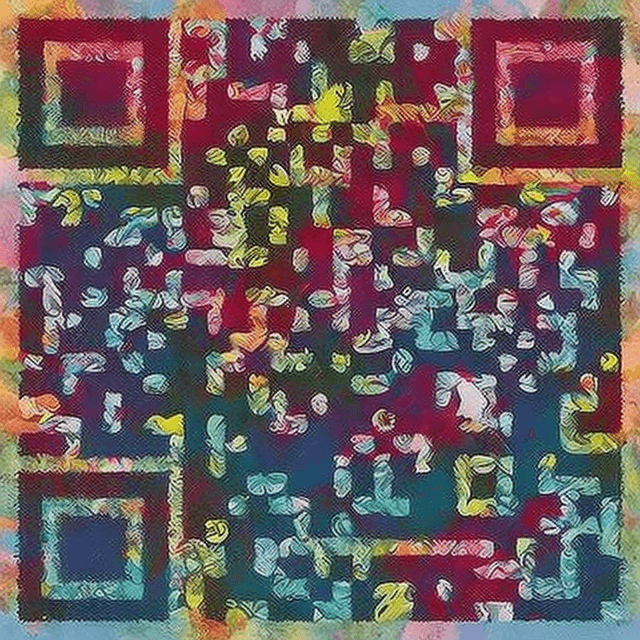
Grow your Instagram following with beautiful AI QR codes. Create eye-catching codes that link directly to your Instagram profile.
How to Create Your QR Code
- 1Enter your Instagram profile URL
- 2Choose a vibrant, eye-catching style
- 3Generate your personalized QR code
- 4Download the image
- 5Share on other platforms, print on products, or display at events
Frequently Asked Questions
Can the QR code link directly to my Instagram profile?
Yes! Just enter your full Instagram URL (https://instagram.com/yourhandle) and scanning will open your profile directly in the Instagram app.
Where should I use my Instagram QR code?
Great places include: product packaging, business cards, store windows, event booths, other social media profiles, email signatures, and printed marketing materials.
Can I link to a specific post or Reel?
Yes! Just paste the URL of the specific post or Reel instead of your profile URL.
How is this different from Instagram's built-in QR code?
Instagram's built-in Nametag is plain and branded. Our AI QR codes are visually stunning works of art that attract more scans and stand out.
Will it work if someone doesn't have Instagram installed?
Yes — it'll open your profile in the mobile browser, where they can still view your content and follow you.
Ready to Create Your Instagram QR Code?
It takes less than 30 seconds. Free, no signup required.
✨ Create Now — FreeOther QR Code Use Cases
QR Code for Restaurant Menus
Create beautiful, scannable AI QR codes for your restaurant menu. Replace boring black-and-white codes with stunning art that matches your restaurant's brand.
QR Code for Business Cards
Make your business card unforgettable with a beautiful AI-styled QR code. Link to your portfolio, LinkedIn, or vCard.
QR Code for WiFi Networks
Share your WiFi password beautifully. Create an AI-styled QR code that guests can scan to connect instantly — no typing passwords.
QR Code for Weddings
Add a touch of magic to your wedding with beautiful AI-styled QR codes. Link to your RSVP page, photo gallery, registry, or wedding website.