AI QR Code Generator for Real Estate
Showcase property listings with beautiful AI QR codes. Add them to yard signs, flyers, and brochures to drive traffic to your listings.
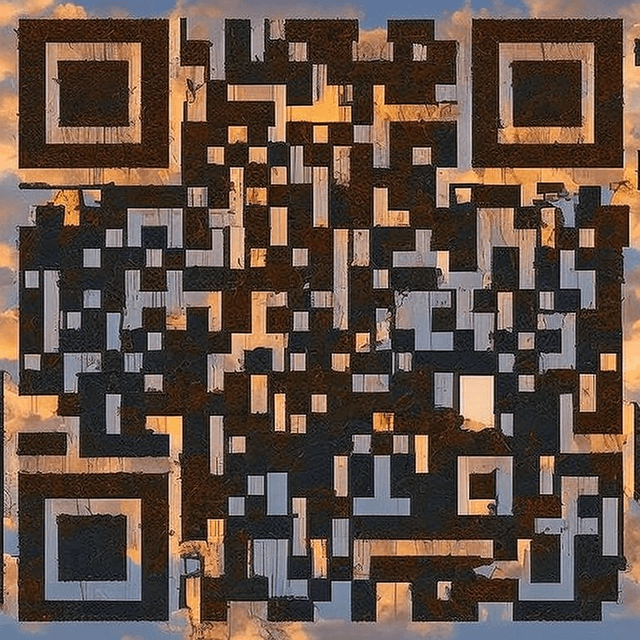
How to Create Your QR Code
- 1Enter your property listing URL or virtual tour link
- 2Choose a professional style
- 3Generate the QR code
- 4Download in high resolution
- 5Add to yard signs, flyers, brochures, or window displays
Frequently Asked Questions
What should a real estate QR code link to?
Best options: virtual property tour, detailed listing page, agent contact info, or a landing page with photos and details.
Will the QR code scan from a yard sign?
Yes, as long as the QR code is printed at least 4x4 inches for yard signs. Our codes use maximum error correction for reliable outdoor scanning.
Can I use different QR codes for different properties?
Yes! Generate a unique QR code for each listing. Each one can link to a different property page or virtual tour.
What about open house events?
Create a QR code linking to your open house registration or schedule. Place it on signs outside the property.
Does weather affect outdoor QR codes?
Not the QR code itself, but protect your print material. Laminate or use weatherproof signage for outdoor placements.
Ready to Create Your Real Estate QR Code?
It takes less than 30 seconds. Free, no signup required.
✨ Create Now — FreeOther QR Code Use Cases
QR Code for Restaurant Menus
Create beautiful, scannable AI QR codes for your restaurant menu. Replace boring black-and-white codes with stunning art that matches your restaurant's brand.
QR Code for Business Cards
Make your business card unforgettable with a beautiful AI-styled QR code. Link to your portfolio, LinkedIn, or vCard.
QR Code for WiFi Networks
Share your WiFi password beautifully. Create an AI-styled QR code that guests can scan to connect instantly — no typing passwords.
QR Code for Weddings
Add a touch of magic to your wedding with beautiful AI-styled QR codes. Link to your RSVP page, photo gallery, registry, or wedding website.